 H1 Browser
आपका अपना ब्राउज़र
The fast, private browser that also opens your files.
H1 Browser blocks ads and trackers, keeps your passwords safe, and opens Word, PDF, 3D parts and design files right in a tab. Free, for Windows and Linux.
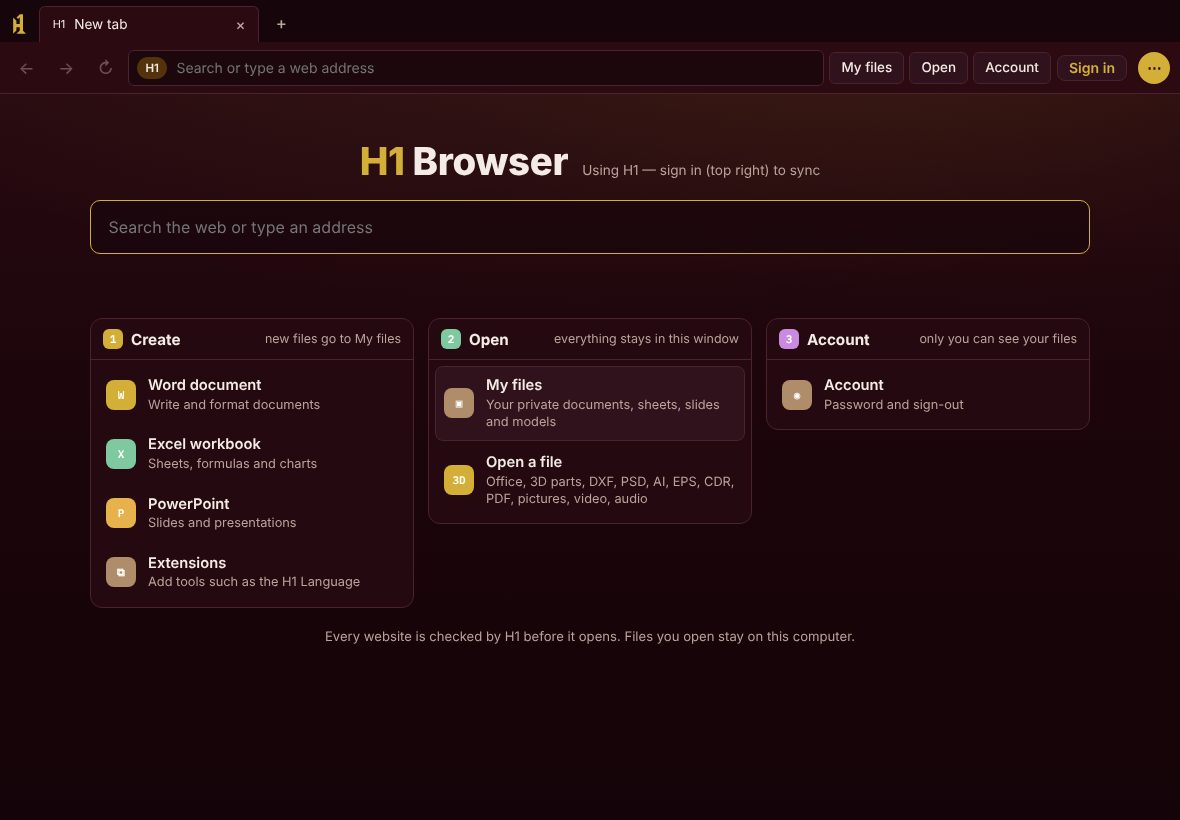
Everything you use every day, built in.
No add-ons to hunt for. The things people install extensions for in other browsers come with H1, and they work without signing in.
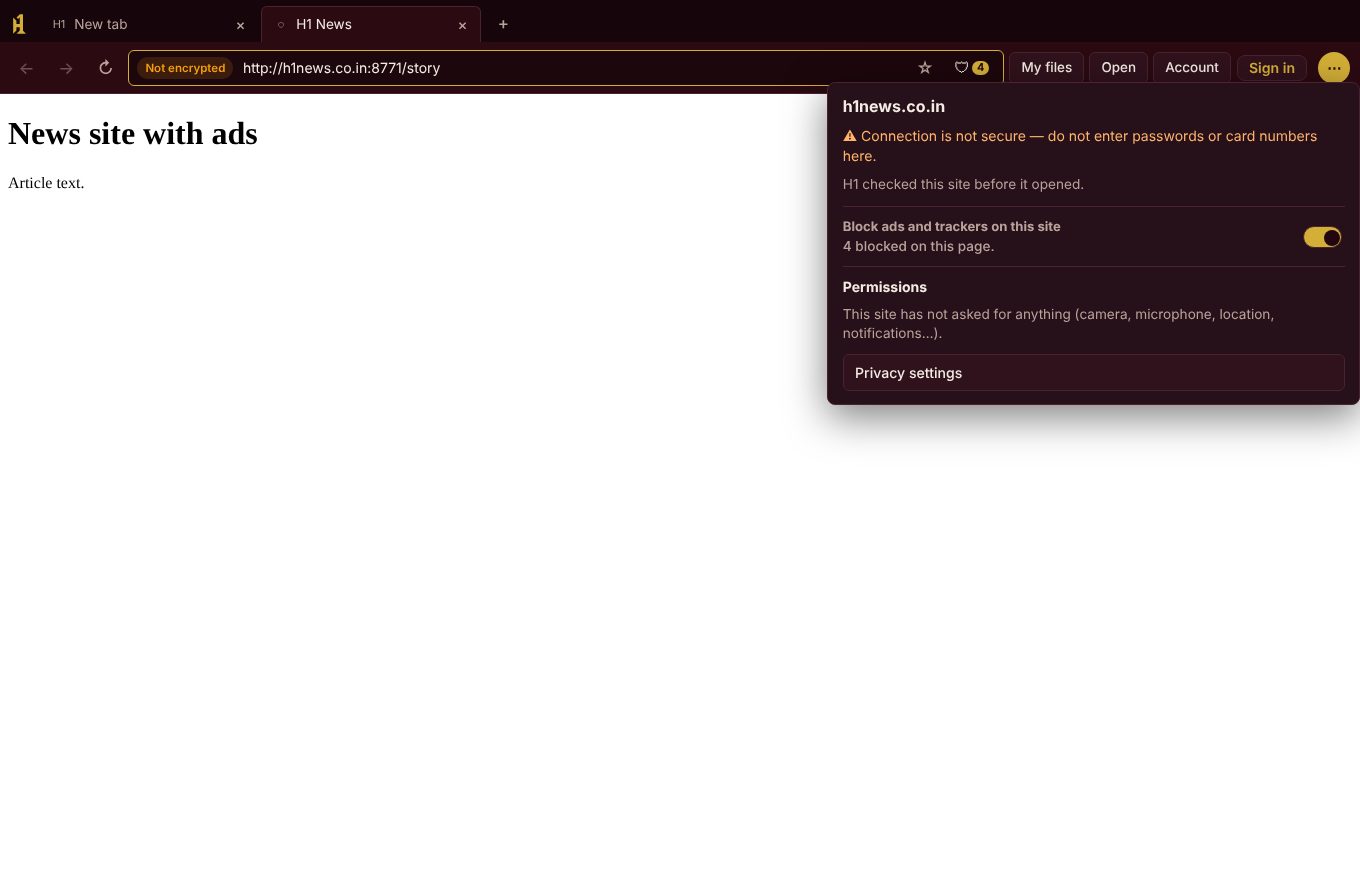
Ads and trackers stopped before they load
Pages load faster and fewer companies follow you around the web. The shield in the address bar shows how many were blocked.
- Sign-in, payment and captcha services keep working: Google sign-in, Razorpay, PayPal, reCAPTCHA.
- One switch turns blocking off for a single site.
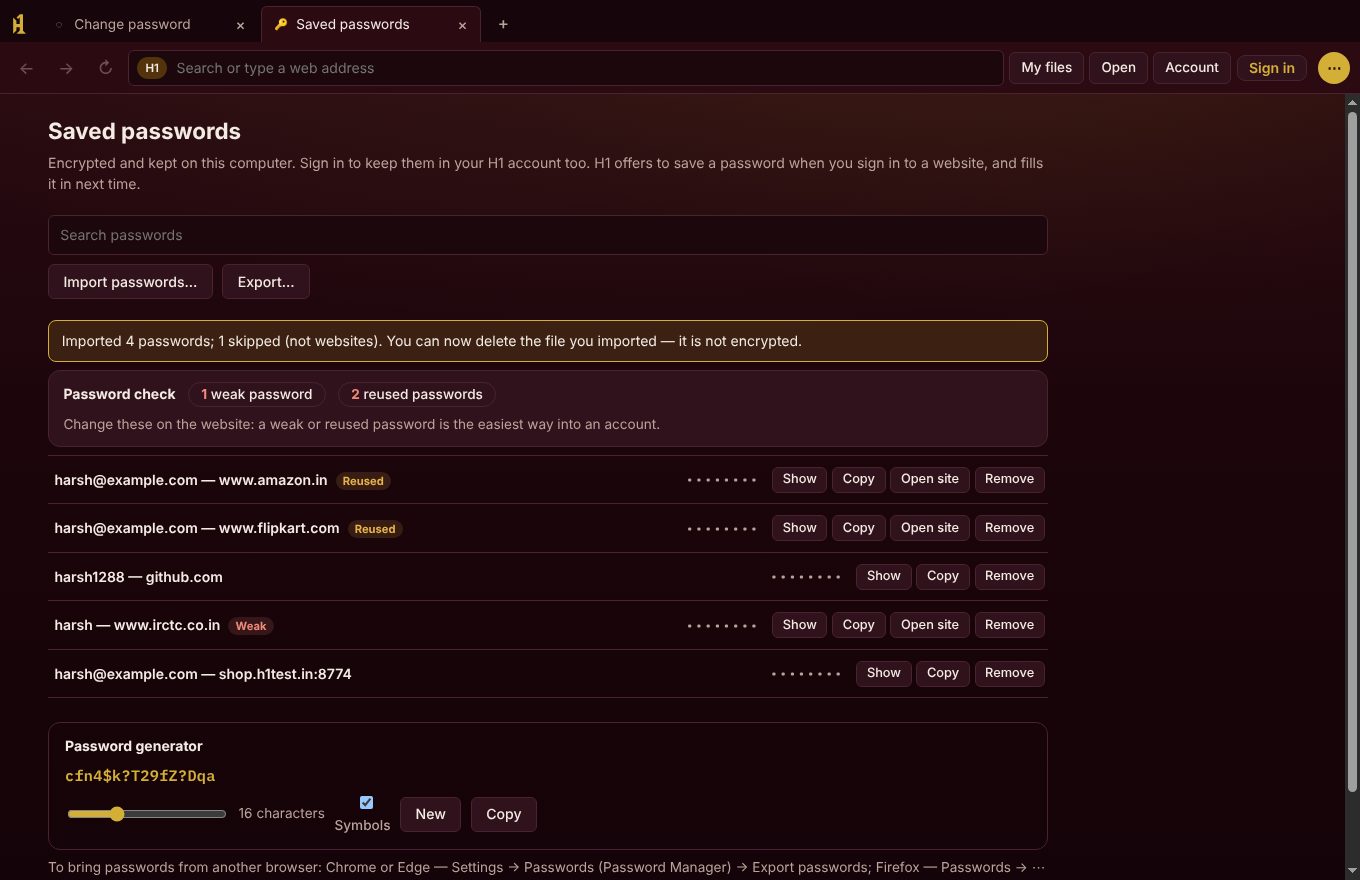
A password manager like Chrome's
H1 offers to save a password when you sign in and fills it in next time. On sign-up forms it suggests a strong one for you.
- Bring your passwords from Chrome, Edge, Firefox, Safari or Bitwarden in one step.
- Password check flags weak and reused passwords.
- Encrypted on your computer, or in your H1 account if you sign in.
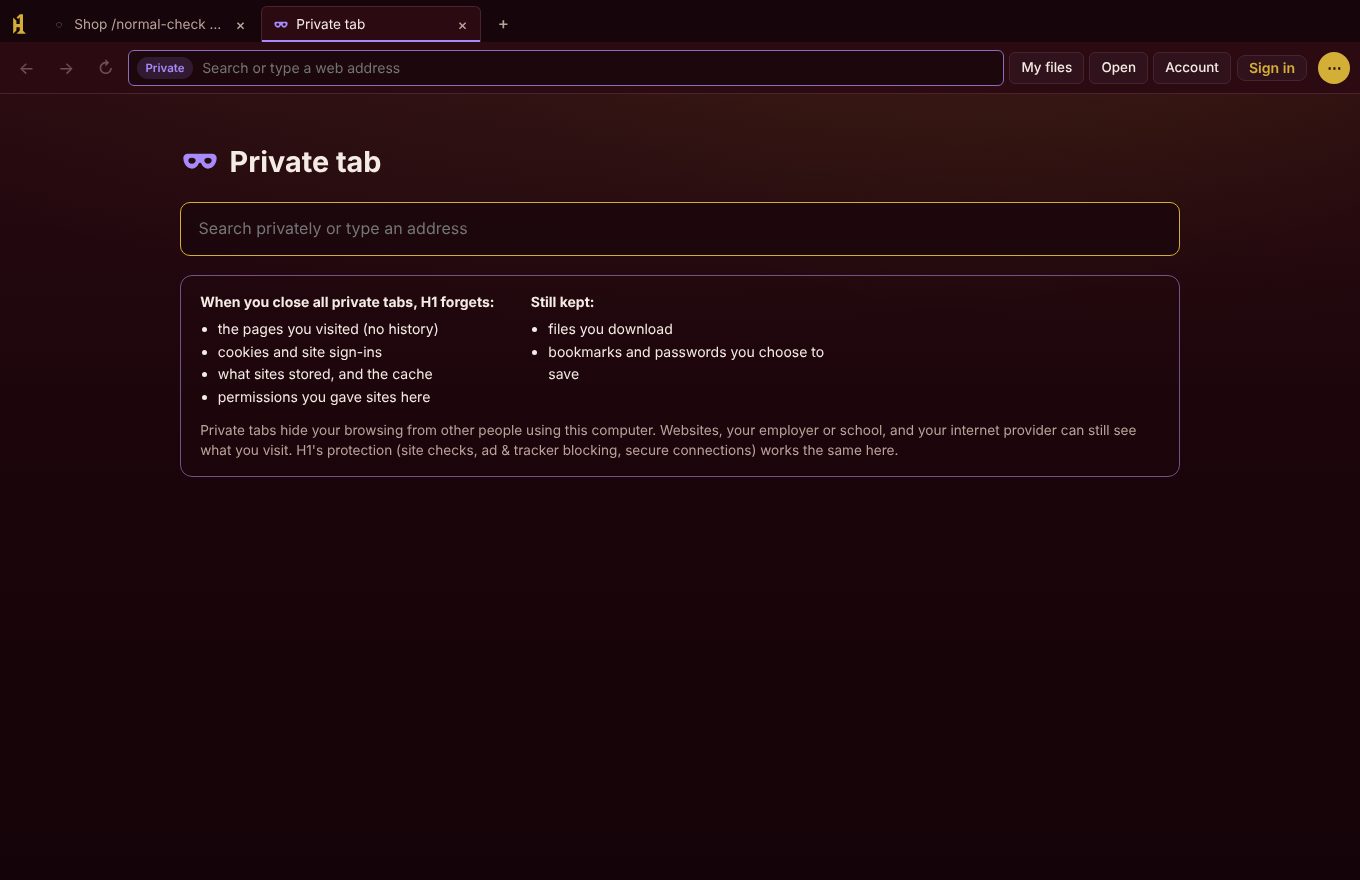
Private tabs that really forget
Press Ctrl+Shift+N. Private tabs keep their cookies and site data apart from your normal tabs, and H1 wipes all of it when you close the last one.
- No history, no saved site data, no leftover sign-ins.
- Ad blocking and site checks still protect you.
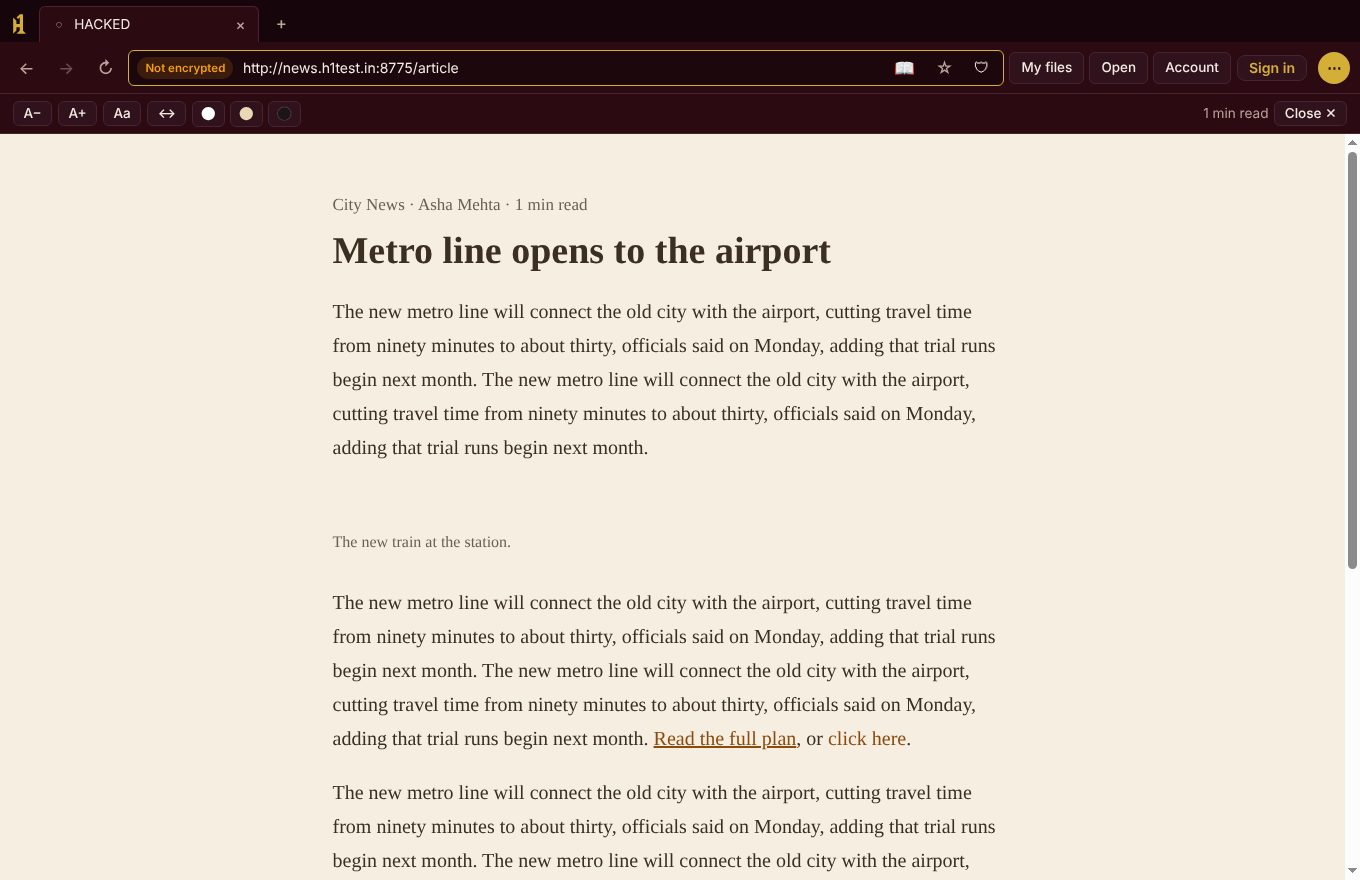
Reader mode for long articles
Press F9 to read an article without pop-ups, menus or ads. Choose the text size, font and a light, sepia or dark page.
- Works with Hindi and other Indian languages.
- Read aloud, where your computer has a voice installed.
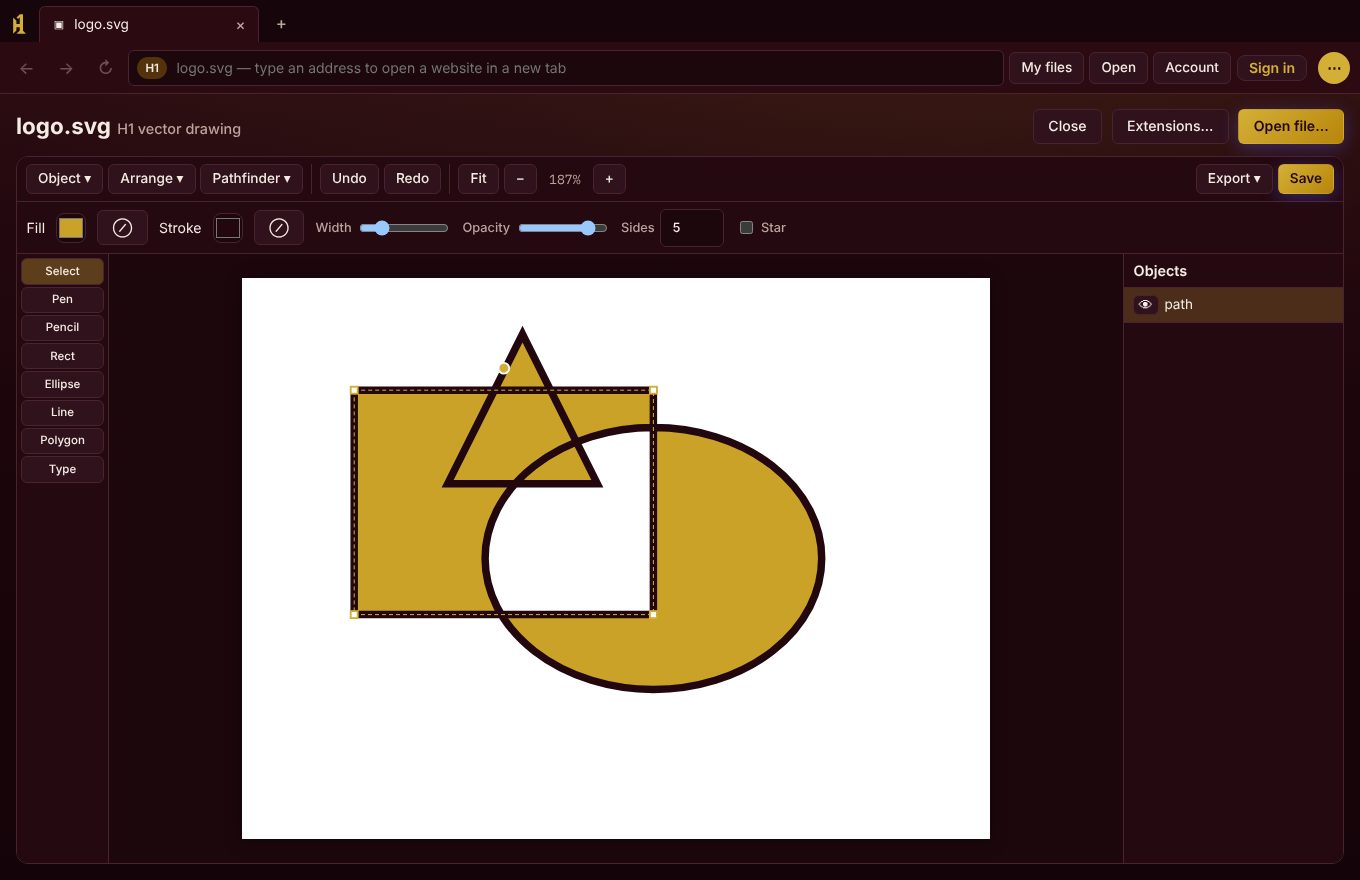
Open your files in a tab
Documents, PDFs, pictures, video, SVG designs and 3D machine parts (STEP, STL) open and edit inside H1. No extra software.
- Edit STEP assemblies: move, copy, colour and rename parts, and save back to STEP.
- Draw and combine shapes, then export SVG, PDF or PNG.
And the small things that make it home.
Safe by default, without breaking websites.
H1 runs on the same Chromium engine as Chrome and Edge, so sites look and work the way they should. On top of that:
Download H1 Browser
One file for each system, with everything inside: nothing else is downloaded while installing. Updates arrive inside H1 later and download only what changed.
| For | File | SHA-256 fingerprint | Download |
|---|
- DownloadPick the file for your computer above.
- InstallWindows: open the .exe and choose Install. Linux:
sudo apt install ./h1_*.deb. - Bring your stuffMenu → Bookmarks and Saved passwords → Import, from Chrome, Edge or Firefox.
- Make it yoursSettings → Default browser, so links from other apps open in H1.
H1 Browser runs on Windows and Linux computers and tablets today. An Android version is planned; this page will offer it when it is ready. On a phone now, you can open your H1 files from your own H1 Hub in the phone's browser and add it to your home screen.
Questions
Is H1 Browser free?
Yes. There are no ads, no subscription and no account needed. Signing in is optional and only adds sync between your devices.
Will my websites work?
Yes. H1 uses the Chromium engine, the same one inside Chrome and Edge, and presents itself to sites as a standard Chromium browser, so banking, shopping, Gmail and video sites work normally.
Windows says "Windows protected your PC". What do I do?
This appears for new programs that are not yet widely downloaded. Check the file's SHA-256 fingerprint matches the one on this page, then choose More info → Run anyway.
How do I check the download is genuine?
On Windows open PowerShell and run Get-FileHash .\H1-Setup-*.exe; on Linux run sha256sum h1_*.deb. The result must match the fingerprint in the table above, letter for letter.
How do updates work?
H1 checks for updates by itself and asks before installing. It downloads only the changed files, checks Harsh1288's digital signature, then restarts. You can also check under Menu → Updates.
Where are my passwords kept?
Encrypted on your computer. If you turn on H1 Sync, they are encrypted on your computer before they are sent, and only your own H1 can open them again — the H1 Sync server cannot read them. You can export them at any time.
I forgot my H1 Sync password. What now?
Choose "Forgot password?" in Menu → H1 Sync. We email you a 6-digit code to set a new password. Bookmarks, history and settings come back right away. Saved passwords come back as soon as you sign in on a computer where you used H1 before — or with the recovery key you saved when you created the account.
How do I uninstall?
Windows: Settings → Apps → H1 Browser → Uninstall (your data is kept unless you choose to remove it). Linux: sudo apt remove h1.